Your personal AI assistant, on WhatsApp.
You message Sphere from your own WhatsApp, like someone you trust, by text or voice note. It takes notes, reminds you, messages your people and leaves messages ready so all you do is say yes.
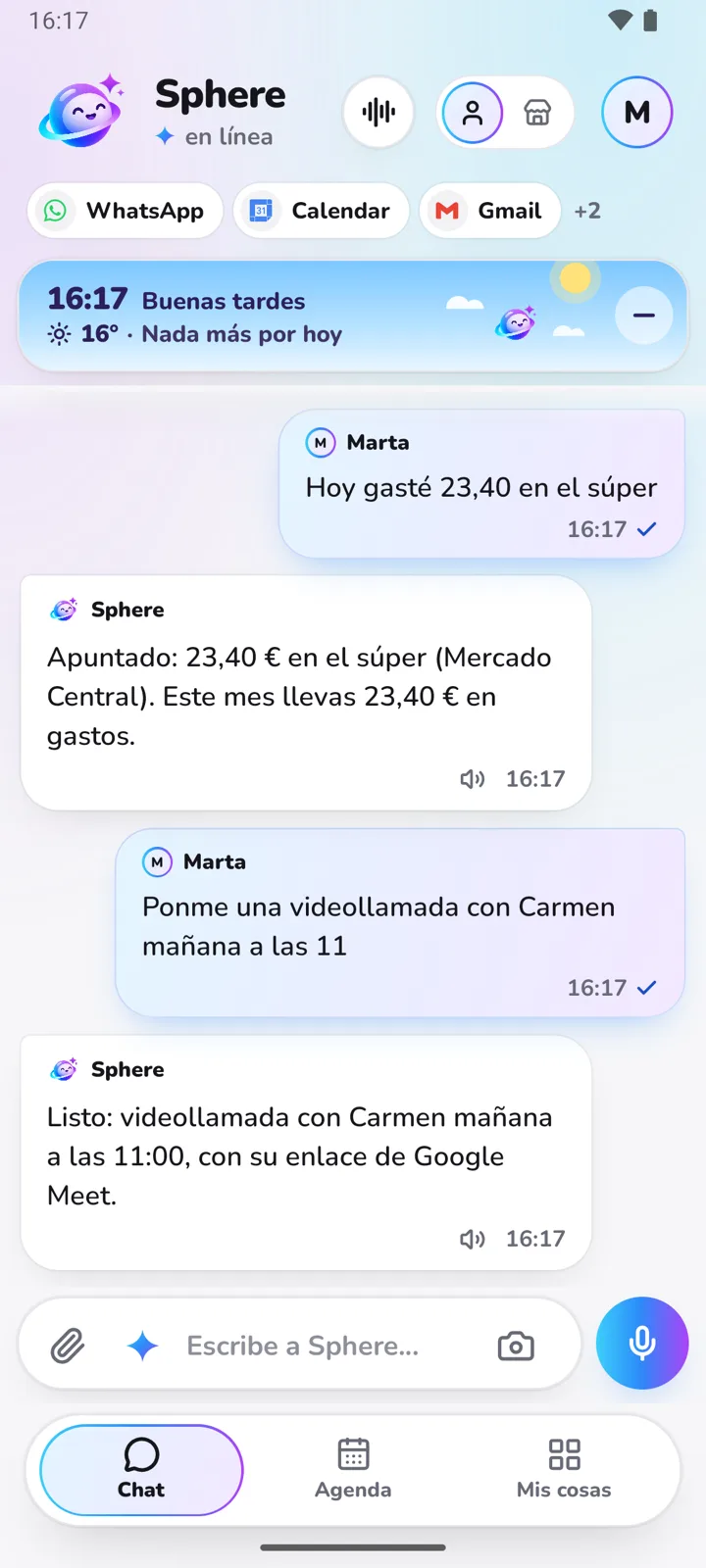
How to get it going.
Create your account.
With your Google account, in a minute, on the web or the Android app. The first 14 days are free, no card needed.
Link your WhatsApp.
In Connections you scan a QR code, just like WhatsApp Web. Before you do, we explain what it involves.
Talk to it in your “You” chat.
Message it in WhatsApp's chat with yourself. You can also talk to it from the Sphere app, the web or Telegram: it's the same Sphere and it remembers everything.
Things you can ask it.
- Tell mum I'll be there at 9.
- Put the dentist on Thursday at 5 pm.
- Remind me to pay the rent tomorrow.
- Email Carmen the quote.
- Add milk and bread to the shopping list.
- What have I got this week?
What people ask us.
And if you have any other question, email us and a person will answer.
Email our supportNo. It prepares WhatsApp messages and emails, and they go out when you tap “Send” or at the time you tell it.
Your personal WhatsApp connects as a linked device, like WhatsApp Web: it isn't an official Meta connection, and we explain the risk before you connect it. The WhatsApp Business in Business mode does use Meta's official route.
The app is for Android, on Google Play. On an iPhone you can use Sphere on the web, and talk to it on your WhatsApp or Telegram.
We only use it so your Sphere works for you: we don't sell it, advertise with it or use it to train AI models. Privacy policy