An AI assistant for your Android that actually gets things done.
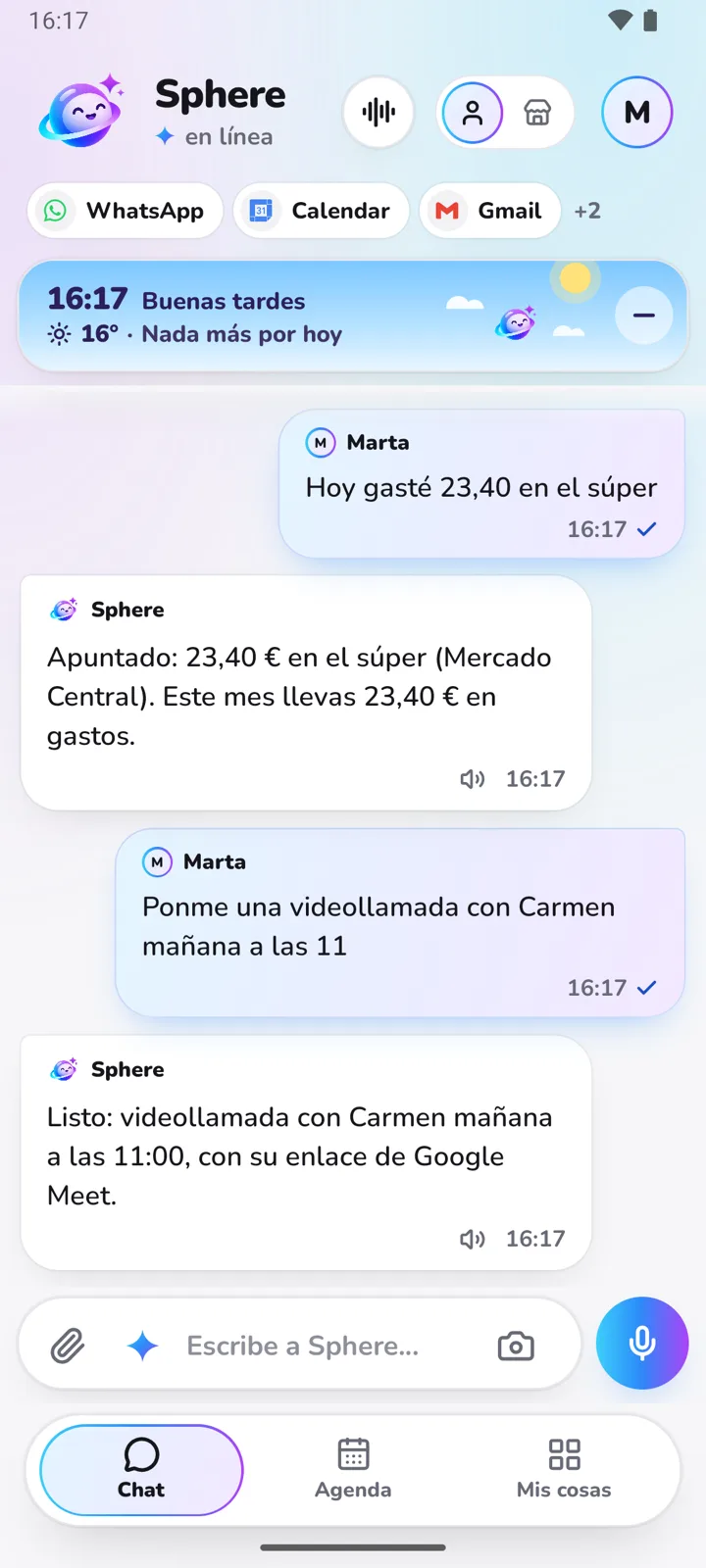
More than a voice assistant: Sphere remembers your things, connects to your Google Calendar, Gmail and Drive, and reminds you on time. The app is for Android and you get it on Google Play.
How to get it on your phone.
Install it from Google Play.
Right now it's a beta: you join the testers group and install it, in three steps and under a minute.
Sign up with Google.
From the app itself, no computer needed. The first 14 days are free with no card.
Talk to it.
By text, voice note or photo. Reminders arrive as notifications on your phone.
What it does from your phone.
- Sums up your morning: calendar, weather and what's due today.
- Logs expenses from a photo of the receipt.
- Keeps your shopping and to-do lists.
- Reminds you of your people's birthdays.
- Summarises a link or document and saves it.
What people ask us.
And if you have any other question, email us and a person will answer.
Email our supportFor now the app is for Android. On an iPhone you can use Sphere on the web and talk to it on Telegram.
It's something else: Sphere is an app with its own memory and your connected accounts, which you ask for things like a person. You can use both.
No. There are no in-app purchases either: you choose a plan on the web after the 14 free days.